

Know what is on the shelf: every sale at your registers counts it down, and you are told when something runs low.
Start counting
- Open System Settings › Stock. It lists each location's retail products from your register menus.
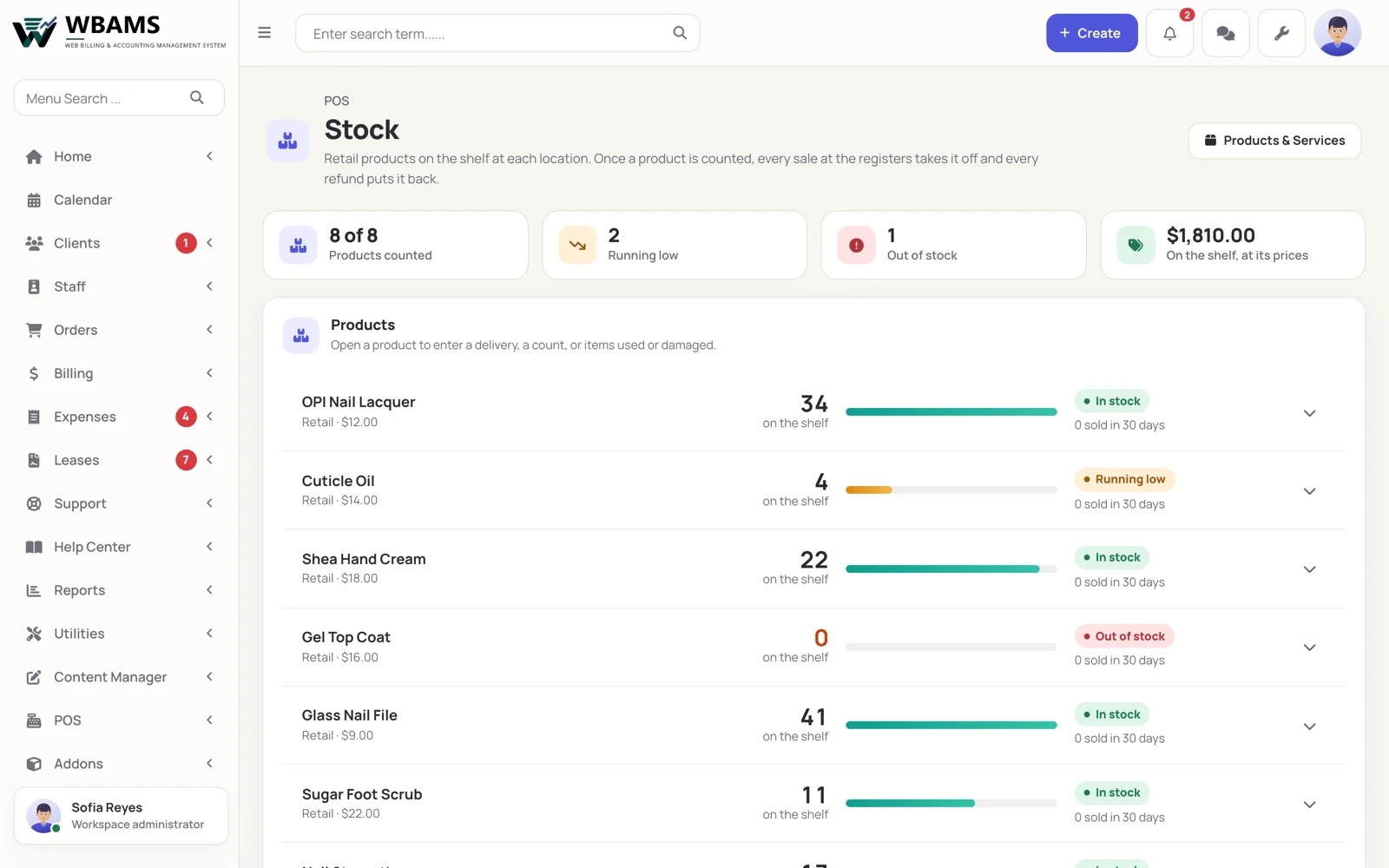
- Open a product and enter a count of what is on the shelf. From then on, every sale at the registers takes it down and every refund puts it back.
- Set a low mark for the product.
Day to day
Enter deliveries, counts, and items used or damaged on the product. The page shows what is in stock, running low or out, and how many sold in the last 30 days. While something runs low, owners get a daily email.
Step by step, with pictures, in the EraPOS documentation: Retail stock.